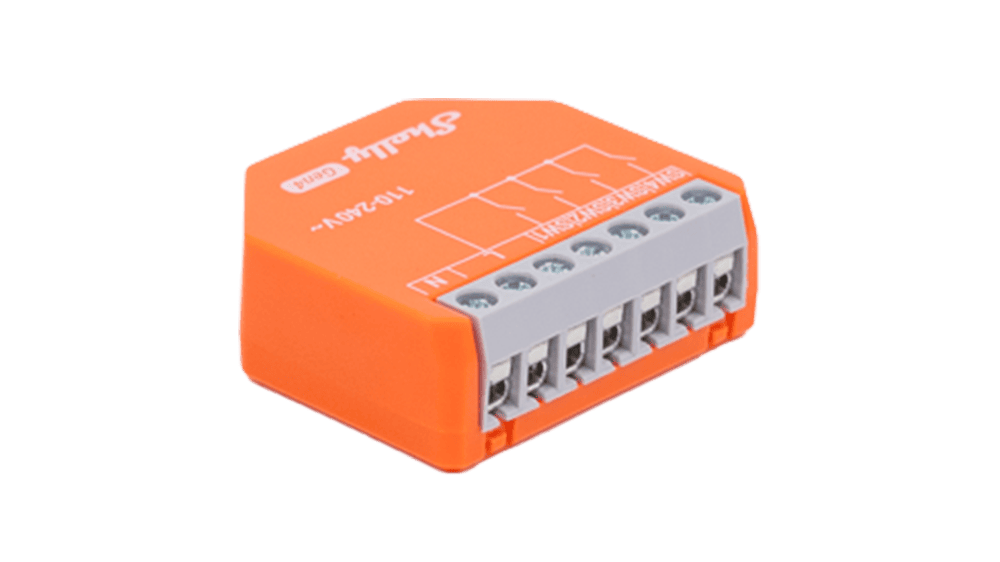
The Shelly i4 Gen4 is a small in-wall controller that sits behind an ordinary wall switch or push button and turns up to four inputs into scene triggers for your smart home. It talks Wi-Fi, Bluetooth, Zigbee and Matter. One thing to know up front: it has no relay, so it doesn’t switch any lights by itself.
Four inputs, four actions: how the i4 Gen4 works
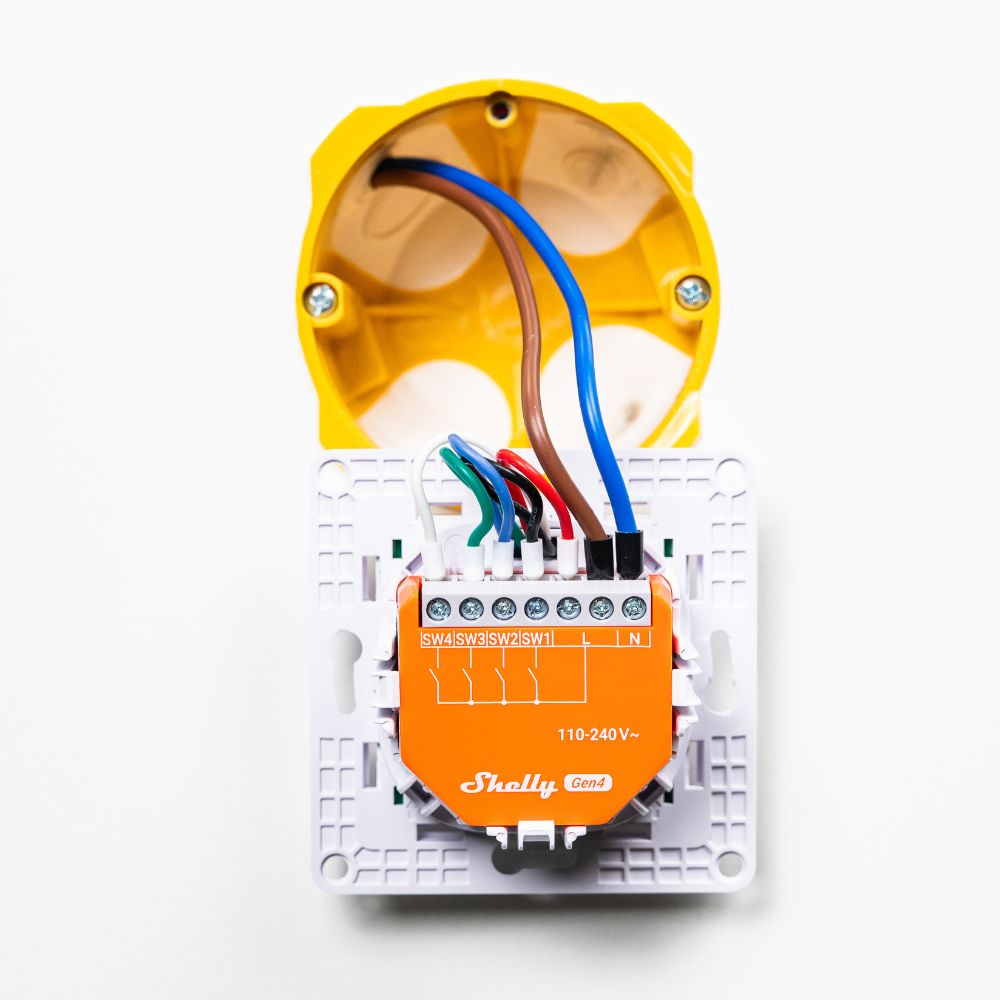
The i4 Gen4 reads the signals from existing switches or buttons on its SW1 to SW4 terminals. According to Shelly, each input recognises up to four actions: single, double and triple press plus long press. You can use them to build scenes, synchronised actions or more complex triggers. Shelly’s own example is a single press for “movie night” that dims the lights, closes the blinds and mutes the TV.
Worth knowing when you plan your setup: the i4 Gen4 has no relay output and doesn’t switch a load directly. Instead, it sends commands to other Shelly devices, external relays, or devices controlled over HTTP and MQTT. If you want the wall switch to turn a light on and off directly, you’ll need a relay as well.
Wireless: Matter out of the box, Zigbee at the press of a button
The controller supports Wi-Fi (802.11 b/g/n/ax, 2.4 GHz), Bluetooth 5.0, Zigbee and Matter. It ships in the Matter profile. To switch to Zigbee, press the button on the device five times. The i4 Gen4 then stays in pairing mode for three minutes. If you miss that window, press the button three times to start it again. The device also works as a repeater for Wi-Fi and Zigbee, and as a Bluetooth gateway for Shelly BLU devices.
For context: on the i4 Gen4, Matter runs over Wi-Fi, not Thread. Shelly’s datasheet lists Wi-Fi, Bluetooth, Zigbee and Matter as connectivity, and Thread isn’t mentioned. Shelly is bringing Thread to its Gen4 range as a separate, opt-in firmware called ThreadLink. As of 17 November 2026, it hasn’t been released, and Shelly hasn’t said which Gen4 models will get it. So it’s still unclear whether the i4 Gen4 is on the list. Shelly’s latest firmware for its Gen2+ devices, version 2.2.1 from 13 November 2026, is a bug-fix release and doesn’t include Thread.
Local control, scripting and integrations
Setup runs through a built-in web interface that works without the cloud. If you want to dig deeper, there’s MQTT, an HTTP API, webhooks, Shelly Script and KNXnet/IP. According to the datasheet, you get up to 20 webhooks with five URLs each, plus virtual components. That lets you pass switch commands on to Home Assistant and other home automation systems. In the app, you manage the device with Shelly Smart Control.
On the voice assistant side, Shelly lists Alexa support through a virtual device routine. For Apple Home, Google Home and other platforms, Matter is the way in.
Specifications at a glance
- Type: in-wall input controller, no relay
- Inputs: 4 (SW1 to SW4), single, double, triple and long press
- Wireless: Wi-Fi (2.4 GHz), Bluetooth 5.0, Zigbee, Matter; repeater for Wi-Fi and Zigbee
- Power supply: 110 to 240 V AC, 50/60 Hz, neutral wire required, under 1 W consumption
- Dimensions and weight: 37 × 42 × 15 mm, 19 g
- Operating temperature: −20 to 40 °C
- Interfaces: web interface, MQTT, HTTP API, webhooks, Shelly Script, KNXnet/IP
- Model number: S4SN-0A24X
Availability and who it’s for
Shelly’s own online store lists the i4 Gen4 as in stock, and Shelly has published UKCA and UK PSTI compliance documents for the device. It’s wired to mains voltage, so get a qualified electrician to install it if you’re not confident doing it yourself.
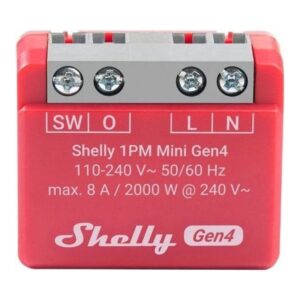
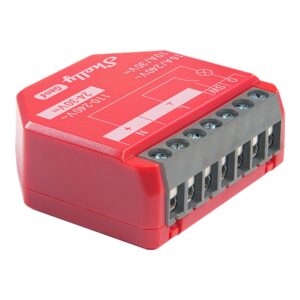
The device is interesting for anyone who wants to keep their existing wall switches but still use scenes, multi-clicks and automations. As a pure button adapter it’s affordable, but you’ll need a relay for the actual switching, for example a Shelly 1PM Gen4.
The Shelly i4 Gen4 is currently showing as unavailable on Amazon UK. A suitable relay to go with it is the Shelly 1 Mini Gen4, a compact in-wall relay from the same Gen4 range.

Last updated on 2026-11-15 / affiliate links / images from the Amazon Product Advertising API. Prices shown may have changed since then. All information without guarantee. * = affiliate link: if you order a product through such a link, we receive a commission from the seller. There are no extra costs for you.
You can find more relays and controllers in our in-wall relays overview, including the Shelly 1 Mini Gen4.
Verdict
The Shelly i4 Gen4 is an affordable building block if you want to make your wall switches smart without replacing them. Having Matter and Zigbee in one device is handy, and local control via the API and scripting will please tinkerers. Keep the missing relay in mind when you buy. And if you’re waiting for Thread, keep an eye on Shelly’s ThreadLink announcements, because it’s not yet clear whether the i4 Gen4 will get it.
Disclaimer: All product names, logos and brands mentioned in this article are the property of their respective owners and are used for description and information purposes only. All information is based on official press releases and publicly available sources at the time of publication. No guarantee is given for the accuracy, timeliness or completeness of the information.