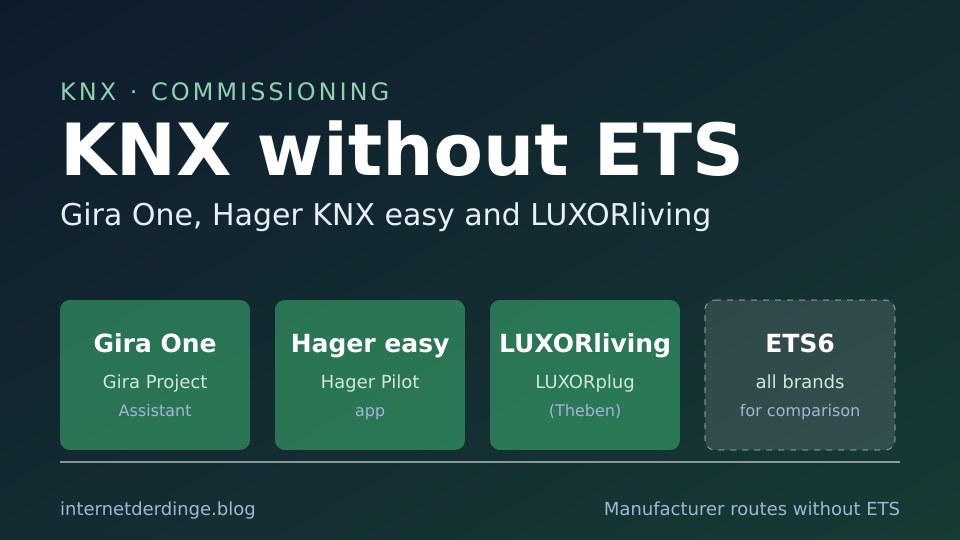
Normally every KNX installation is set up with ETS, the software from the KNX Association. It works with devices from every brand, but it costs money and takes time to learn. That is why some manufacturers offer their own routes that do not need ETS at all.
This article covers which routes exist, what they can do, where their limits are and how to switch to ETS later. It is based on documents from the KNX Association, datasheets and manuals from Gira, Hager and Theben, and the Home Assistant documentation, as of 22 November 2026. What KNX is in the first place is covered in KNX explained, and the ETS editions in ETS6 explained: licences, Demo, Home or Lite.
In short
- KNX without ETS only works within one manufacturer’s system. There is no cross-brand way to configure KNX without ETS.
- Gira One is set up entirely with the free Gira Project Assistant (GPA), for up to 200 Gira One devices.
- Hager KNX easy runs on a domovea server and the Hager Pilot app, with up to 255 wired and 255 wireless devices from Hager and Berker.
- Theben LUXORliving is set up with the free Windows software LUXORplug, for up to 128 wired and 64 wireless devices.
- According to the manufacturers, all three systems are aimed at electricians, not at homeowners doing it themselves.
- If you want devices from other brands later, you need ETS. Hager offers a free migration tool for this.
How KNX is officially configured: S-Mode and E-Mode
The KNX Association knows two ways of setting up devices. In S-Mode (System Mode), group objects are linked to group addresses by hand, in ETS. This is the usual route and applies to all manufacturers.
There is also E-Mode (Easy Mode) with three variants: Push-Button Mode (linking via buttons on the device), Controller Mode (a controller assigns the addresses) and Logical Tag Extended Mode. According to the KNX help center, E-Mode devices are pre-programmed, meant for small to medium installations and much less configurable than in S-Mode.
Important for later: ETS does not support E-Mode. Every E-Mode device therefore also has a small S-Mode part so that ETS can set it up at a basic level.
An earlier KNX Association solution for simple projects, ETS Inside, has been discontinued. According to the KNX Association, the last version 1.4.0 came out in March 2019, sales ended on 30 September 2021 and support on 31 December 2021.
The manufacturer routes below are not E-Mode solutions in the KNX Association’s sense, but the manufacturers’ own tools for their own product ranges.
Gira One: KNX with the Gira Project Assistant
According to Gira, Gira One is a smart home system based on the KNX standard. It is set up with the free Gira Project Assistant (GPA), and Gira explicitly advertises “no ETS costs”. According to the system manual, a Gira One project is created entirely in the GPA, and no other commissioning software is needed.
The heart of the system is the Gira One Server (order number 2039 00) for the distribution board. The main limits according to the Gira datasheet and the system manual:
| Gira One devices | max. 200 |
|---|---|
| Consumers in the app | max. 250 |
| Gira One Servers per project | max. 1 |
| Power supplies | max. 2 |
| Scenes | 50 with 64 variants each |
| Timers | 250 with 10 switching points each |
| Users | 62 |
| Philips Hue | 30 consumers, 5 bridges |
| Sonos | 25 rooms |
| IP cameras | 50 (RTSP, ONVIF Profile S) |
| Security | TLS to the app and the GPA, KNX Data Secure between devices and server |
Gira One is operated with the Gira Smart Home app for iOS, Android and Windows. According to Gira, remote access for residents and remote maintenance for the installer are free and built into the server. The current versions are GPA 6.1.2 and server firmware 4.2.471.
According to Gira, the range includes push buttons for System 55, the push-button sensors 4.55, 4.70 and 4.95, the Gira G1 control unit, a weather station, a DALI actuator as well as actuators and power supplies. In the October 2026 update, according to a Gira press release, the push-button sensor 4.70 Comfort, the weather station and the DALI actuator Colour 4-gang were added. Gira does not publish a complete device list with a total number.
The limits: Gira One is a Gira system. The Gira press release for the launch talks about an installation “all from a single source”. Gira does not describe adding KNX devices from other manufacturers to a Gira One project.
According to the same press release, Gira One is future-proof because all sensors and actuators can be reused. Gira’s public documents do not describe exactly how a Gira One project moves to ETS. If you are planning that, clarify it with your installer or Gira beforehand.
Hager KNX easy: setup via app
According to Hager, Hager KNX easy can link up to 255 wired KNX devices and 255 wireless KNX devices. According to a Hager press release from July 2024, these are devices from Hager and Berker, and the wireless devices are added via a media coupler. The aim is a setup without the paid ETS software.
You need a domovea server with built-in easytool, a tablet or laptop and the Hager Pilot app. According to Hager, the earlier easy server is being replaced by domovea basic. The Hager manual lists two versions:
| domovea basic (TJA670) | domovea expert (TJA470) | |
| KNX easytool | built in | built in |
| KNX and IoT devices in domovea | max. 500 | max. 500 |
| IP cameras | 5 | 50 |
| KNX/IP access for ETS | local only | local and remote |
The 500 devices refer to the domovea visualisation, the 255 + 255 to easy commissioning. Both figures appear in Hager’s documents and belong to different levels.
According to Hager, setup works in steps: scan devices (wired and wireless separately), label rooms and floors, link devices by touch, test, and print the project documentation. The domovea visualisation is built automatically along the way. Planning is done beforehand in the free easyplan tool. Remote access runs via myHager.
Switching to ETS: Here Hager is more specific than Gira. The official KNX shop offers the free ETS app “Hager/Berker Easy2ETS” (version 4.0.770.0, for ETS5 and ETS6). It reads out an easy installation so that you can extend it with ETS. It cannot read out wireless devices, though.
It is a one-way street: according to the Hager manual, easytool can no longer be used once an ETS project has been imported into domovea.
Theben LUXORliving: KNX with LUXORplug
A third route comes from Theben. According to Theben, LUXORliving uses a bus based on the KNX standard (S-Mode). It is not set up with ETS, however, but with the free Windows software LUXORplug.
According to the system manual, one installation can hold up to 128 wired and 64 wireless LUXORliving devices, and the central unit is the LUXORliving IP1. When searching for devices, LUXORplug shows devices programmed with ETS as “not included in the configuration”. According to the manual, Windows 7 to Windows 11 (64-bit) are supported.
The three routes compared
| Gira One | Hager KNX easy | Theben LUXORliving | |
| Software | Gira Project Assistant (free) | Hager Pilot app, easyplan (free) | LUXORplug (free, Windows) |
| Central unit | Gira One Server | domovea basic or expert | LUXORliving IP1 |
| Devices | max. 200 Gira One devices | 255 wired + 255 wireless | 128 wired + 64 wireless |
| Brands | Gira | Hager and Berker | Theben (LUXORliving) |
| Route to ETS | devices reusable according to Gira, procedure not described | ETS app Easy2ETS, without wireless devices | not described |
What about Home Assistant?
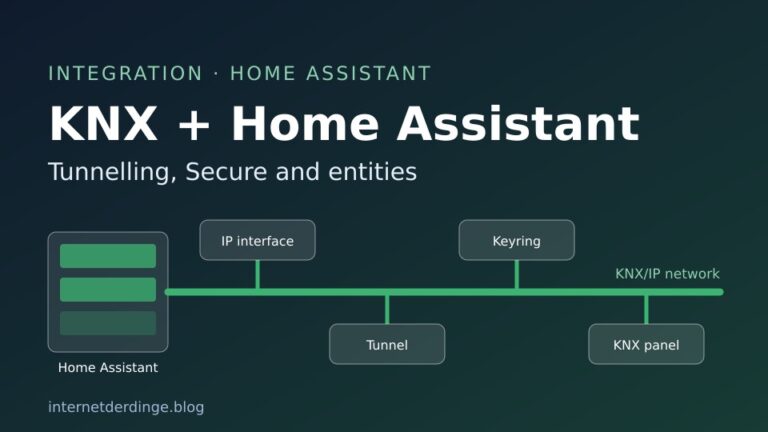
Home Assistant does not replace ETS. According to the Home Assistant documentation, the KNX integration controls devices via group addresses and reacts to telegrams. The documentation does not mention any function for configuring device parameters.
The project data comes from an ETS project, and for KNX Data Secure Home Assistant needs the keyring file exported from ETS. How that works is explained in Connecting KNX to Home Assistant.
Who is KNX without ETS for?
All three manufacturers primarily address electricians. In its press release, Gira calls Gira One an entry point for electricians without deep ETS experience, and Hager’s easy page addresses “you as an electrician” and offers factory training. None of the three advertises self-installation by homeowners.
As a resident, you can still change quite a bit yourself with Gira One: according to Gira, you can create scenes and users in the app, change timers and add Sonos or Hue. The actual commissioning stays with the installer.
If you already know during construction that devices from different brands will be added later, it is better to plan with ETS from the start. What matters at the shell construction stage is covered in Planning KNX in a new build.
The Gira One Server and domovea are not available on Amazon. For the ETS route you need a bus interface, and you can find a comparable alternative here:


Last updated on 2026-11-21 / affiliate links / images from the Amazon Product Advertising API. Prices shown may have changed since then. All information without guarantee. * = affiliate link: if you order a product through such a link, we receive a commission from the seller. There are no extra costs for you.
Frequently asked questions
Can I run KNX entirely without ETS? Yes, but only within one manufacturer’s system such as Gira One, Hager KNX easy or Theben LUXORliving. For an installation with devices from different brands you need ETS.
Can I mix Gira One devices with devices from other brands? Gira does not describe this in its documents. Gira One is designed as a system “from a single source”.
Can I switch from Hager KNX easy to ETS? Yes, with the free ETS app Easy2ETS. It does not read out wireless devices, and afterwards easytool can no longer be used.
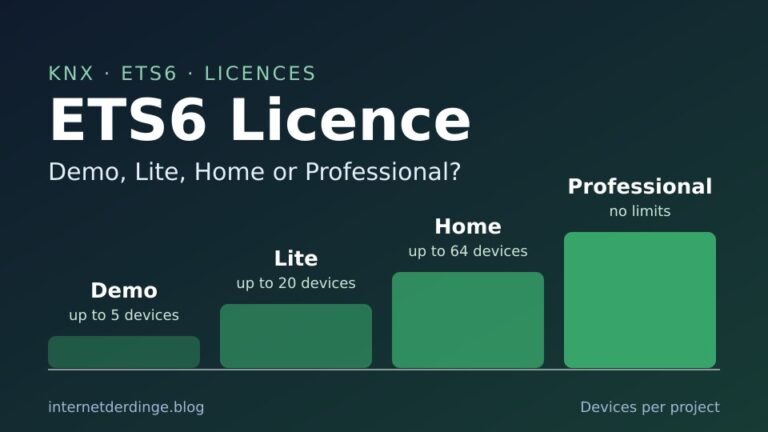
Is there a free ETS? Only ETS6 Demo with up to 5 devices per project. Details are in ETS6 explained.
Conclusion
KNX without ETS works, but always only within one manufacturer’s system. Gira One, Hager KNX easy and Theben LUXORliving make setup easier and save the ETS licence. In return, you are tied to one brand when choosing devices.
If you want to keep all brands open, there is no way around ETS. More basics can be found in the comparison KNX vs Loxone and in the KNX & Loxone section.
Related products in our product overview
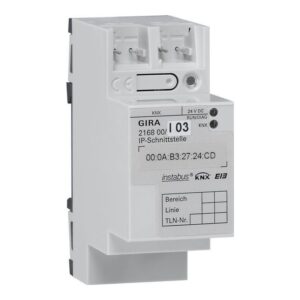 Gira IP interface KNX (2168 00) – network access to the KNX bus for ETS and appsSpecs & where to buy →
 Gira switching actuator 24-gang 16 A KNX Secure (5010 00) – DIN rail actuator with manual operationSpecs & where to buy →
 Gira switching actuator 16-gang 16 A KNX Secure (5009 00) – DIN rail actuator with manual operationSpecs & where to buy →