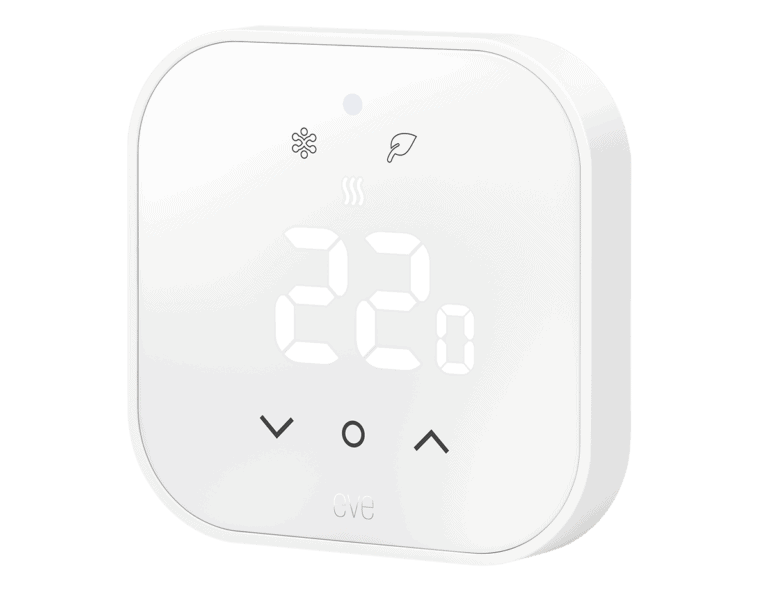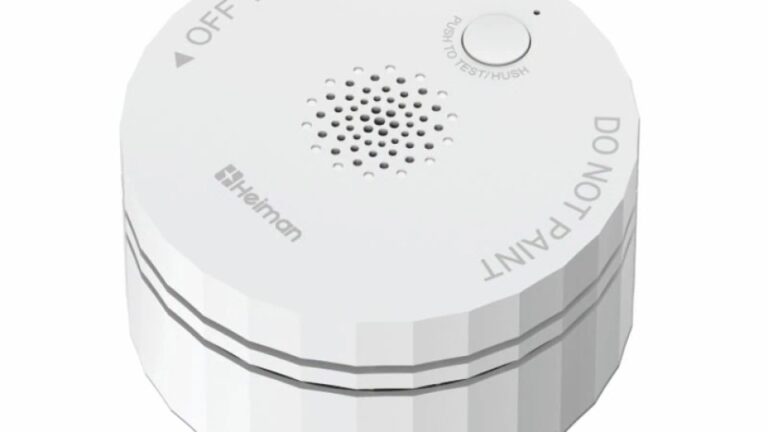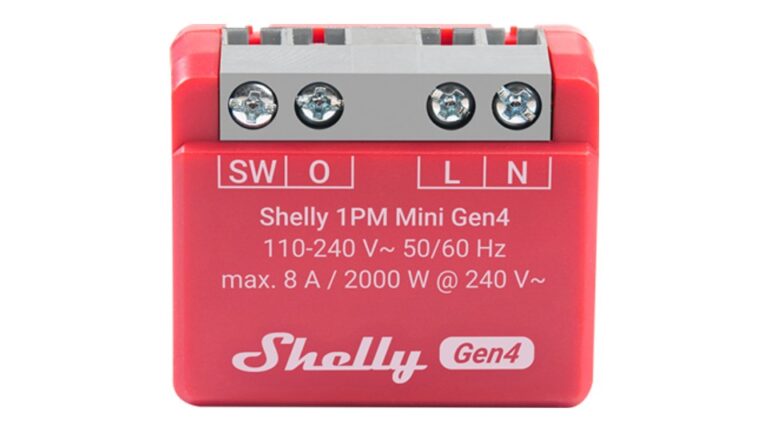
With UniFi Network 11, Ubiquiti’s network application becomes Matter-aware. You commission a Matter over Thread device with its pairing code, and UniFi then shows its status and how it connects to your network. For the first time, Thread devices also appear in the UniFi Topology next to your IP clients. What UniFi doesn’t do is control them: this is about visibility and troubleshooting, not about running your smart home.
Matter in UniFi: a pairing code, not a second controller
According to Ubiquiti, UniFi works alongside your existing Matter controller rather than replacing it. Apple Home, Google Home, Home Assistant or Alexa stay in charge. You enter a device’s Matter pairing code, and UniFi brings it into its own interface.
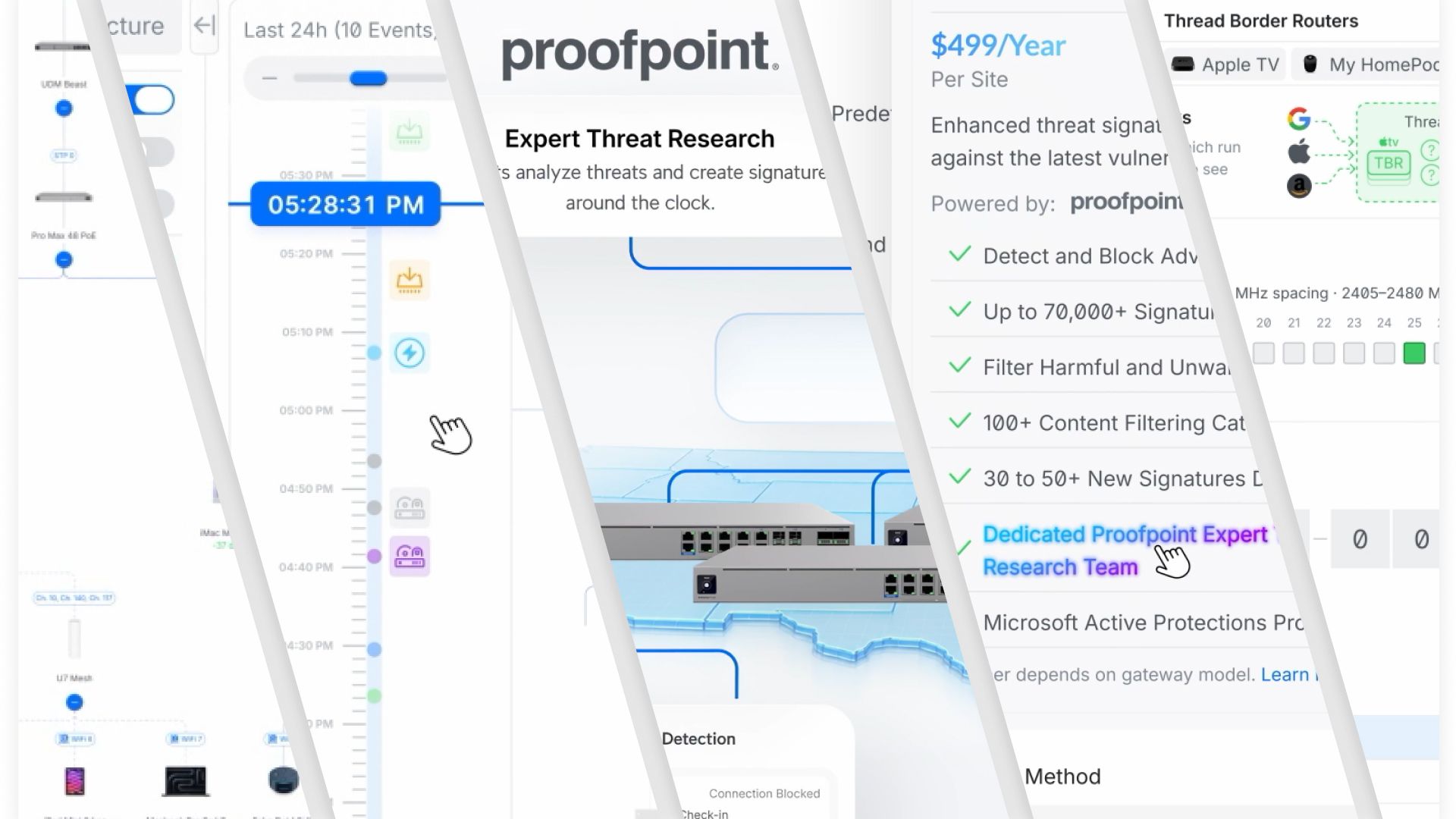
From then on, UniFi shows details such as battery level, firmware version and signal strength, plus how the device connects to the Thread network. Since 11.0.94, Thread client details also include the serial number. You can set custom alerts for critical devices, which helps when a sensor keeps dropping off.
One thing to note: the release notes speak of Matter Thread Device Monitoring. Matter over Wi-Fi devices aren’t mentioned, so don’t count on them showing up the same way.
IP and Thread in one Topology
The other big change is the unified topology. IP and Thread devices appear together in UniFi Topology, so you can see which Thread Border Router a device uses to reach your network, for example an Apple TV or a HomePod. That’s useful for battery-powered sensors and radiator thermostats that hop across several Thread routers when something starts to fail.
Network 11 also adds Time Machine to the Topology page. You can step back in time and see when a device lost its connection, which is exactly the information you’re missing when a sensor goes offline overnight.
Requirements
Matter Thread Device Monitoring isn’t available on every UniFi setup. According to the official release notes, you need:
- a UniFi Cloud Gateway running UniFi OS 6.0.10 or newer (Ubiquiti confirmed in the community that the feature is limited to Cloud Gateway consoles, so it doesn’t appear on a Cloud Key setup)
- mDNS enabled
- IPv6 enabled on the network that hosts your Thread Border Routers
Now in the UniFi mobile apps too
Since 12 November, the mobile apps have caught up. UniFi iOS 11.1.0 adds Matter and Thread support with QR code pairing, client details, Topology, Insights and a channel map. UniFi Android 11.2.1, rolling out gradually, adds a Matter section in Settings where you view Thread networks, see your Matter devices and commission new ones. If IPv6 is switched off, the app now prompts you to enable it when you commission a device.
What UniFi can’t do
The Matter integration is limited to monitoring and diagnostics. Ubiquiti positions UniFi as an extra view alongside your Matter controller, not as a smart home hub. If you want to switch lights, set schedules or build automations, you’ll still use Apple Home, Home Assistant, Alexa or Google Home.
What else is new in Network 11
Beyond Matter, Network 11 is a big release for networks of every size:
- Telemetry: a re-engineered telemetry engine with more than 30 per cent better scalability, according to Ubiquiti, plus Live Flows that show active flows on supported gateways in real time and let you terminate them
- Gateways: higher VLAN capacity, simpler routing policies and External Network Lists that import domain or IP lists from an external source
- WiFi Uplink: connects the gateway to a nearby Wi-Fi network, such as a phone hotspot, as an internet backup; supported on the UDR-7, UDR-5G-Max, Express 7 and UCG-Industrial
- CyberSecure: daily threat signatures from Proofpoint, and with CyberSecure Enhanced, AI-assisted explanations of each threat
- SD-WAN: SD-WAN Policies for failover and application- or performance-based routing across sites
- Client icons: custom icons for unrecognised devices, created from a photo in the app or uploaded in the browser
There are also changes under the hood that you should know about before updating. The database moves to PostgreSQL and existing statistics history is cleared. USG support is gone, as 10.6 was the last version to support it, and all sites are automatically migrated to the Zone-Based Firewall. Ubiquiti says the upgrade can take up to 20 minutes.
Availability: Official, but still a gradual rollout
Ubiquiti announced Network 11 on 12 October 2026, initially as Early Access and Release Candidate builds. Since late October, 11.0.97 has been on the Official channel, followed by the maintenance release 11.0.99. Both are being rolled out in stages, so not every console sees the update yet. A further release candidate, 11.0.102, arrived on 13 November with fixes for rare upgrade failures.
Network 11 requires UniFi OS 6.0 or newer, and the Matter feature needs at least 6.0.10. UniFi OS 6.0.17 has been rolling out in stages since early November, for some console types still as a Release Candidate. In the community threads, some users report issues after upgrading, from migration problems to missing flow logs. On a production network, it’s worth waiting until your console is offered the update and taking a backup first.
For home networks with plenty of Thread devices, the topology view is a genuinely useful addition: when a sensor drops out “for no reason”, it shows you where the connection breaks. How reliably UniFi detects Thread devices in day-to-day use is something only longer tests will show. If you’re still deciding between the two wireless options, read our guide Matter over Wi-Fi or Matter over Thread?
A typical Matter over Thread device that can appear in a topology like this is the Meross MTS155 radiator thermostat:

Last updated on 2026-11-14 / affiliate links / images from the Amazon Product Advertising API. Prices shown may have changed since then. All information without guarantee. * = affiliate link: if you order a product through such a link, we receive a commission from the seller. There are no extra costs for you.
Verdict
UniFi Network 11 makes Matter and Thread visible without turning UniFi into a smart home hub. That fills a gap many admins with lots of wireless devices know well: on a UniFi network, you now get battery level, firmware and the connection path in one place. You need a Cloud Gateway on UniFi OS 6.0.10 or newer, though, and to actually control your devices, you still need your existing controller.
Disclaimer: All product names, logos and brands mentioned in this article are the property of their respective owners and are used for description and information purposes only. All information is based on official press releases, release notes and publicly available sources at the time of publication. No guarantee is given for the accuracy, timeliness or completeness of the information.
Related: Thread border routers explained · Matter over Wi-Fi or Thread? · Shelly Gen4 gets Matter over Thread