Thread Border Router Explained: Who Needs One, Which Devices Offer It and What to Watch Out For
More and more Matter devices communicate over Thread: sensors, buttons, plugs, thermostats. As soon as you set up your first Thread device, a term shows up that trips many people up: the Thread Border Router. This article explains what it does, which devices have one built in and how to avoid trouble with multiple Thread networks.
What is a Thread Border Router?
Thread is a low-power wireless protocol that connects devices into a self-healing mesh network. Every device gets its own IPv6 address. Smartphones and computers, however, do not speak Thread. This is where the Border Router comes in: it connects the Thread radio network to your home network over Wi-Fi or Ethernet and forwards data packets in both directions. Without it, a Thread network stays an island that you can control neither by app nor by voice.
Important: the Border Router is only the bridge. For automations, scenes and access from outside your home you also need a Matter controller such as Apple Home, Google Home or Alexa. You can find more about the standard behind it in the article Was ist Matter – der Smart-Home-Standard, der alles verbindet (in German).
Do I need one at all?
Only if you use devices that communicate over Thread. Matter devices that use Wi-Fi or Ethernet work without a Border Router. Thread devices such as the Aqara Power Plug H2 EU in Thread mode, on the other hand, need a Matter controller with a Thread Border Router, for example a HomePod mini or an Apple TV. The Matter logo on the packaging looks the same whether the device uses Wi-Fi or Thread. Check the manufacturer’s website before buying to see which radio the device uses.
Which devices are Thread Border Routers?
In principle, any Thread-capable device with a permanent power supply and a Wi-Fi or LAN connection can take on the role. The function is mostly found in smart speakers, displays, smart home hubs and networking gear. A selection:
- Apple: Apple TV 4K (2nd generation), Apple TV 4K (3rd generation with 128 GB and Ethernet), HomePod mini, HomePod (2nd generation)
- Amazon: Echo (4th generation), Echo Dot Max (2025), Echo Studio, Echo Hub and the eero routers
- Google: Google TV Streamer, Nest Hub (2nd generation), Nest Hub Max, Nest Wifi Pro
- IKEA: Dirigera Hub
- Aqara: Hub M3, Hub M200, Hub M100 and the Camera Hub G350
- tado°: the Bridge X as a Thread Border Router for the X thermostats
- SmartThings: Aeotec Smart Home Hub, SmartThings Hub (3rd generation), SmartThings Station and various Samsung devices
- Home Assistant: Home Assistant Green with Connect ZBT-1 and Home Assistant Yellow
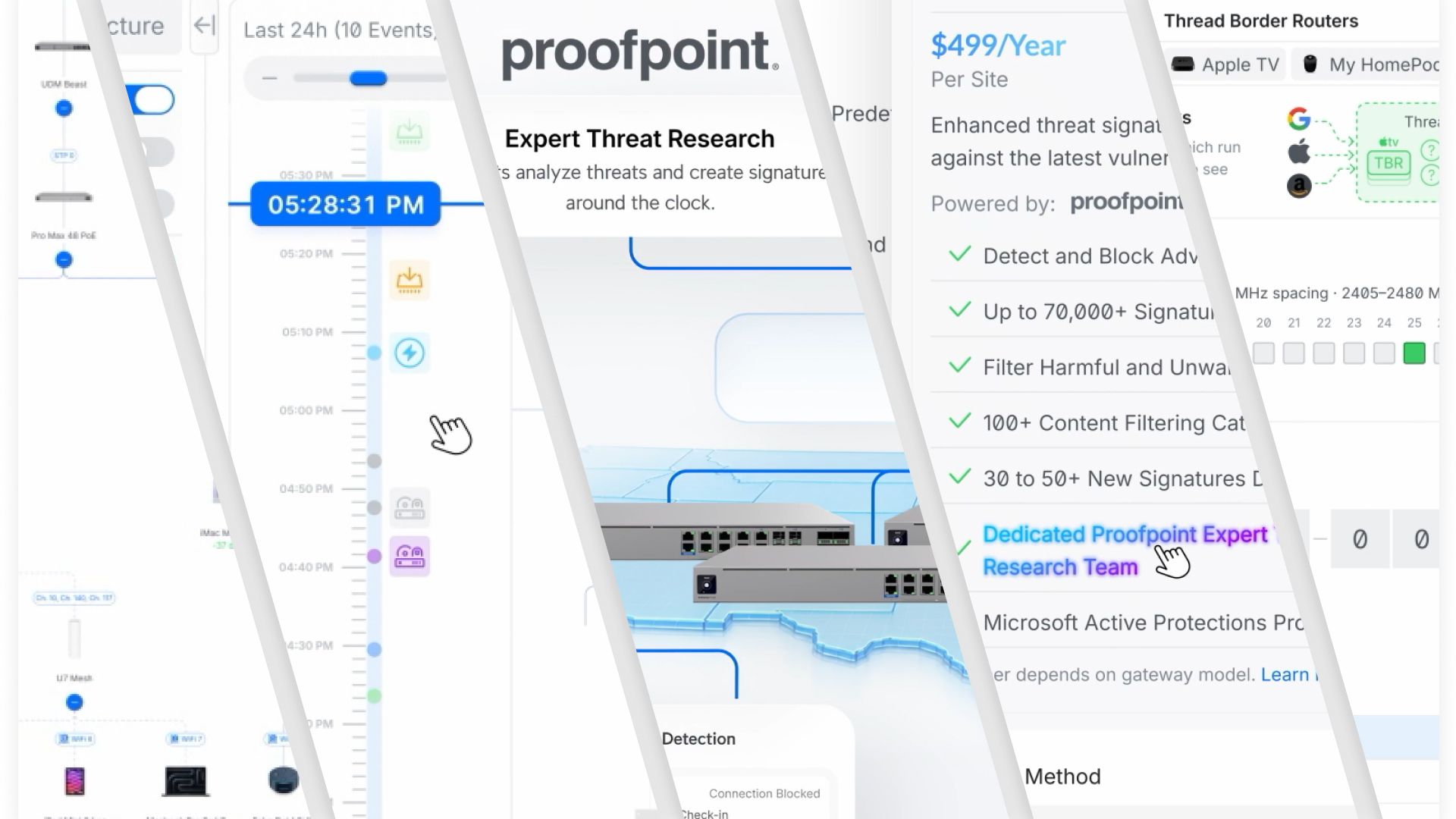
Things are also moving at Apple: the article on the Apple event with HomeView, HomePod mini 2 and Apple TV 4K (in German) covers the new devices that can serve as a hub for the household. And if you work with Ubiquiti, UniFi Network 11 now shows Matter and Thread devices in the network overview.

- [Breite Kompatibilität] Der Außenstecker H2 EU...
Letzte Aktualisierung am 2026-10-30 / Affiliate Links / Bilder von der Amazon Product Advertising API Wir weisen darauf hin, dass sich hier angezeigte Preise inzwischen geändert haben können. Alle Angaben ohne Gewähr. * = Werbelink: Wenn du über einen solchen Link ein Produkt bestellst, bekommen wir dafür eine Provision vom Verkäufer. Für dich entstehen selbstverständlich keine zusätzlichen Kosten
Border Router and Matter controller are not the same thing
Often both functions live in one device, such as the HomePod mini or an Echo. That is not mandatory, though. The Wi-Fi routers from Amazon and Google or the Border Routers from Nanoleaf do bridge into the Thread network, but they have no control function in the smart home themselves. If you use them, you additionally need the hub of a Matter ecosystem for automations and remote access.
Multiple Border Routers: blessing and pitfall
Since Thread specification 1.3 from July 2022, Border Routers from different manufacturers generally work together. If several are in the house, the connection to the home network stays up when one fails, and a remaining router takes over. Especially in larger houses, many users therefore spread several Border Routers across the floors.
In practice, though, the ideal of neutrality has not been reached yet. Some Border Routers only work in certain ecosystems. If you combine models from different manufacturers, you may end up with parallel Thread networks instead of one shared mesh. And not all vendors allow their routers to join the network of an existing system. Thread 1.4 and Matter 1.4 created the conditions for smooth mixed operation, and Matter 1.6 goes further still. Platforms are sometimes slow to implement this, however.
The simplest strategy
- Stick to one platform: Use Border Routers from one ecosystem and make it your primary Matter fabric.
- Set up all devices with that system’s app: You then share them with other platforms using Matter’s multi-admin function.
- Plan for several Border Routers: Two to three devices spread around the home improve resilience and the range of the mesh.
- Check older devices: Some older hubs are considered Matter-capable but do not support Thread. In that case an additional device with Border Router function helps.
Conclusion
A Thread Border Router is the inconspicuous bridge without which Thread devices cannot get onto your home network. If you already own a HomePod mini, Echo, Nest Hub or a hub from IKEA or Aqara, you often have one already. Stay with a single ecosystem if you want a stable mesh, and check with every new Matter device whether it communicates over Thread or Wi-Fi.
Disclaimer: All product names, logos and brands mentioned in this article are the property of their respective manufacturers and are used solely for description and information. All information is based on official press releases and publicly available sources at the time of publication. No guarantee is given for the accuracy, timeliness or completeness of the information.
